Used inventory
Start the close-range capture during appraisal. If you acquire and stock the vehicle, use it for the first exterior listing set.

For dealerships
Start with appraisals, then bring more of your store’s photography into Halo. Capture new inventory on arrival, refresh used vehicles after detail and add interior and feature photos with the same platform.
Show the vehicle shoppers can buy
Dealer.com’s June 2018 comparison found used and certified listings with actual vehicle photos were 40% more likely to receive a lead than listings with stock images. That is a reason to photograph the car in your inventory, with its own details and condition.
Dealer.com · Stock vs. Actual Photos Vehicle Comparison, June 2018 ↗

Start the close-range capture during appraisal. If you acquire and stock the vehicle, use it for the first exterior listing set.
Photograph the actual new vehicle when it arrives or is ready for merchandising. Halo creates eight consistent exterior views; your team can add interior and feature photos to show its equipment and trim. Send the approved images through your configured delivery connection.
Refresh the exterior and add interior and feature photos so buyers see the vehicle as it is now.
Send a capture link to a customer, wholesaler or seller. They follow the phone guidance and return close-range images for your team to review before the vehicle reaches you.
Staff follow Halo’s targets on a supported phone. Halo creates the same intended angles and framing across your stores, reducing reliance on each person’s photography experience.
The day an acquired vehicle is stocked. Publication depends on usable capture, the correct inventory match, Halo approval and a supported connected destination. Earlier photos do not mean recon is complete.
Yes. Scope the initial pilot around first listing photos and agree who handles the final imagery.
When you buy and stock the trade
When you acquire and stock the vehicle, Halo automatically turns the 15 appraisal images into eight primary presentation images. Your connected Boost or HomeNet feed carries them to your website and the listing sites it serves.
Explore your connected workflow →Use Halo for the photos you already take. The 15 close-range images go to the vAuto appraisal so your team can review the trade again after the customer’s visit.
One vehicle. Two uses.

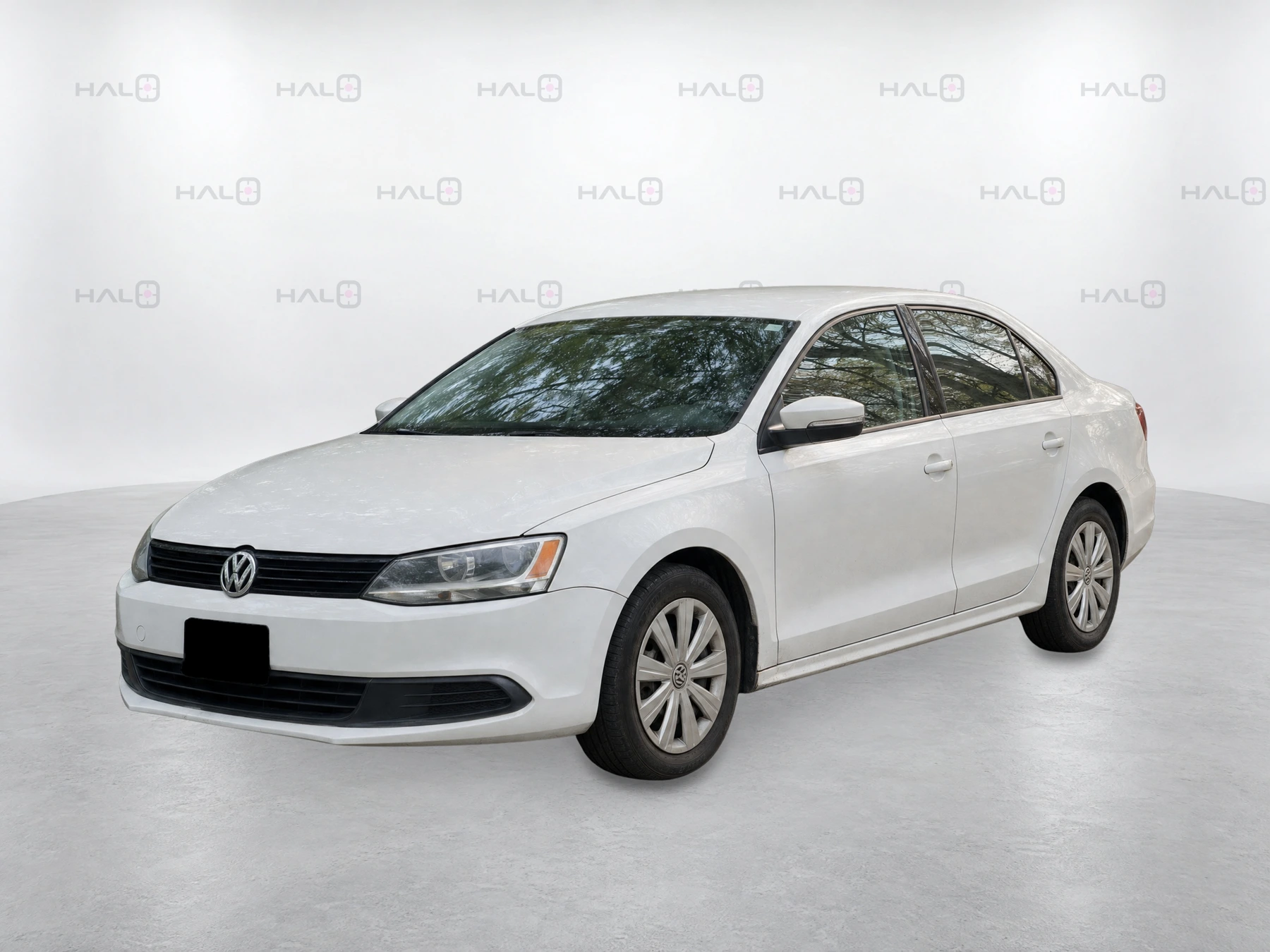
After recon and detailing, make a fresh capture to show the vehicle as it looks now. For new inventory, begin at arrival or stock-in.
At your store
Choose who takes the photos during appraisal, arrival or after detail. They follow the targets on a supported phone; Halo handles the finished exterior framing.
Confirm supported devices, staff responsibilities and your delivery connections during onboarding. Open a capture link on the phone; there’s no separate app download. Processing and delivery need connectivity.
Keep your current photographer while you try Halo at one rooftop. Compare staff effort, retakes and time to the first live photo set before expanding.
Start with your store
Walk through your capture process, confirm your connections and discuss the six-week pilot.
See the pilot and what’s included →The workflow shown on this site uses vAuto for appraisal images and a connected Boost or HomeNet feed for finished listing views. We confirm your store’s named systems, required access and delivery rules before launch.
The vAuto illustration explains the intended handoff; it is not evidence that a particular store’s connection is already active. Your walkthrough establishes which connections are ready for your store and what setup remains.