
The product
Capture the vehicle.
Leave the composition to Halo.
Your team follows the targets on the phone. Halo takes each photo when the capture checks pass, then creates eight full-vehicle exterior views.
Move to the dot.
Halo takes the shot.
Align with the target on the vehicle. Halo checks view, target, distance, level and clarity, then takes the photo automatically.
15 capture anchors · About 90 seconds for the exterior

One vehicle. Eight finished views.
Actual Halo output from the white Jetta capture. Consistent angles and framing across the set.

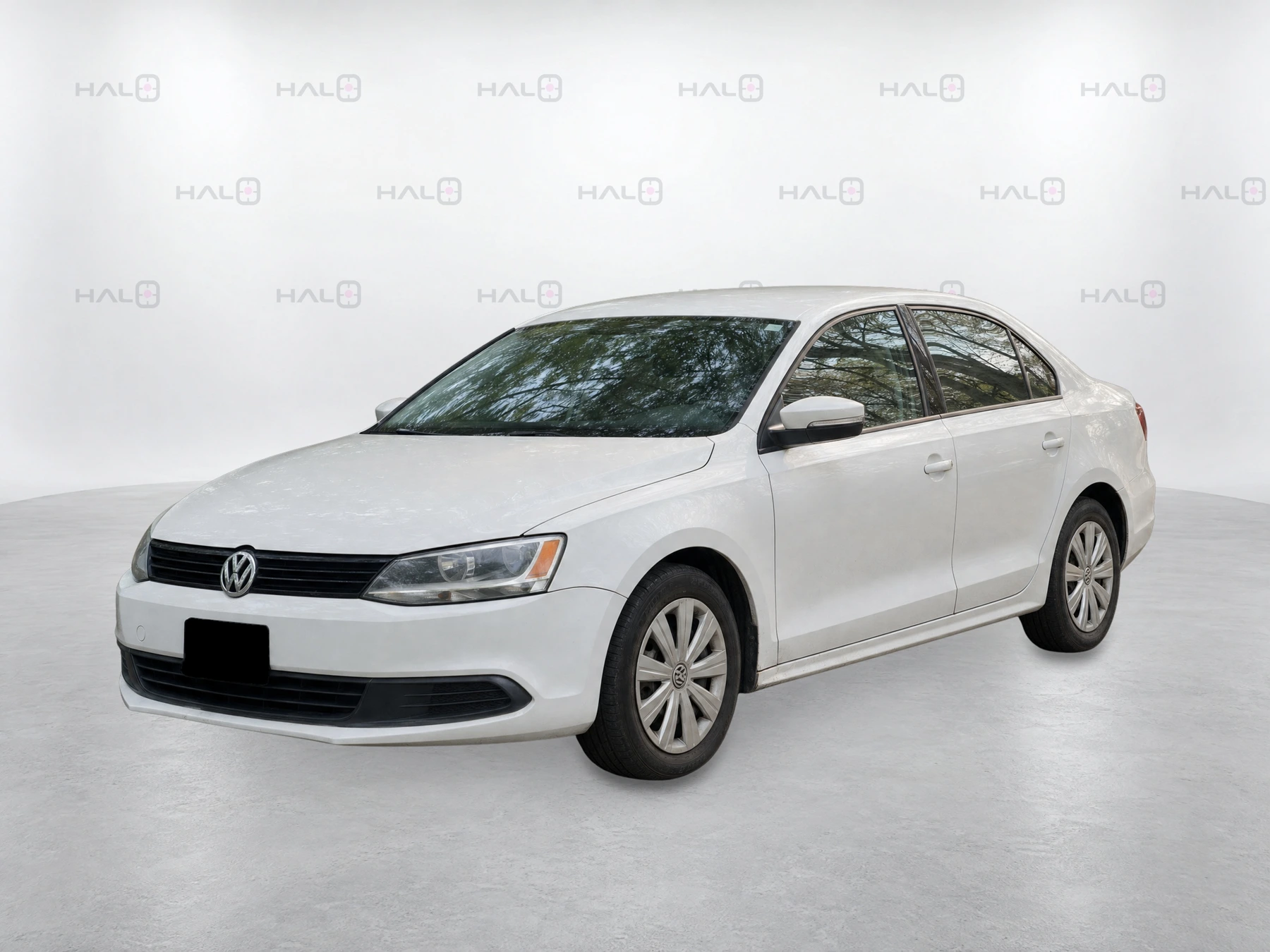


Halo checks the finished set before delivery and tells your team if a retake is needed. Visible features and condition remain represented. Faces are removed and listing images use black plate holders.
Vehicle Spatial Intelligence
Guidance that knows
where you are.
Halo tracks the phone’s position around the vehicle and places the next target. Your staff gather close-range coverage instead of trying to frame every finished listing photo. Allow about five feet of clearance around the vehicle.
Capture on a supported phone
Open a capture link and save it to the home screen; there’s no separate app download. After setup, dot guidance and VIN and odometer scanning work offline. Processing and delivery need connectivity.
Keep the work with the vehicle
The VIN connects the source captures, finished views and delivery status to the right vehicle.
Add interiors and details
Guided flows support up to 25 additional interior and feature views, depending on store configuration. These are separate from the 90-second exterior capture.
Refresh after recon and detail
Make a fresh exterior capture to reflect the vehicle’s current condition and presentation. The approved set follows your agreed delivery path.
See a capture become eight listing views.
See the capture, check your connections and discuss your monthly price in 30 minutes.
Capture requirements and timing
- Phone access
- Open the capture link on a supported phone and save it to the home screen. There is no separate app-store download. We confirm the phone and browser combination during onboarding.
- Working space
- Allow about five feet of clearance around the vehicle for the close-range exterior sequence.
- Exterior capture
- 15 capture positions supply coverage for eight finished exterior views. Exterior capture takes about 90 seconds; interior and feature shots are additional.
- Connectivity
- After setup, guidance and VIN and odometer scanning work offline. Processing and delivery require connectivity.
- Publication
- A usable capture, correct inventory match, Halo quality checks and a supported delivery connection are required. Processing and the connected feed’s schedule affect when images appear online.
Review the connected workflow · Understand completed-set billing